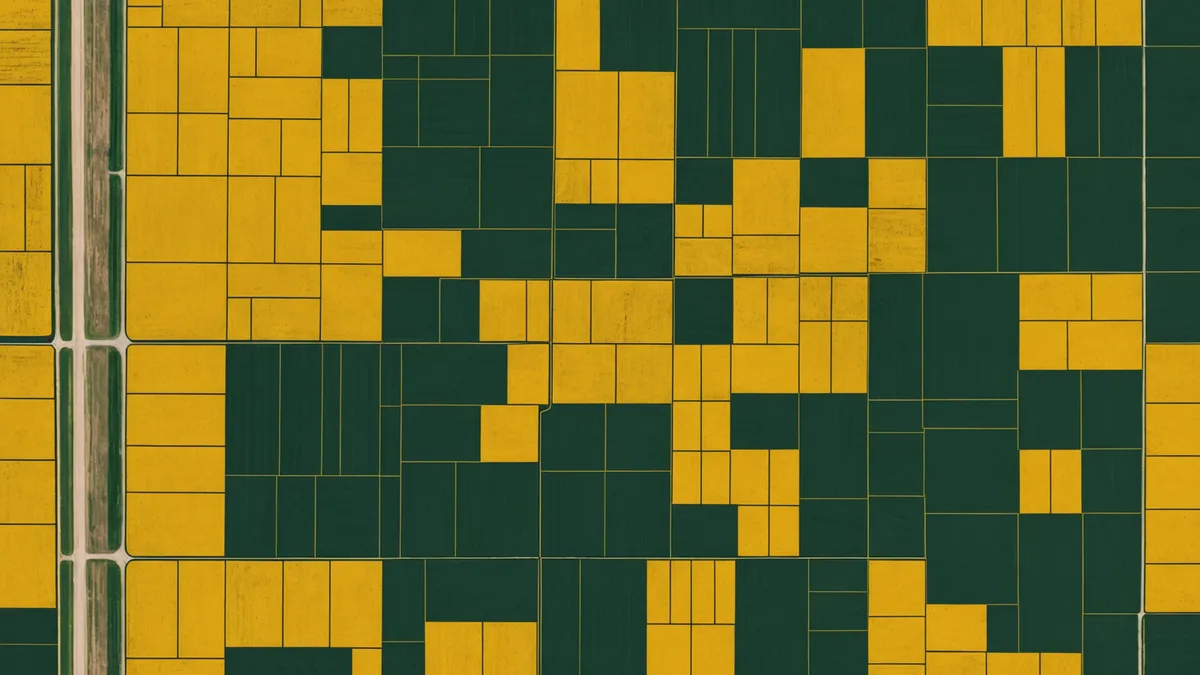
We've seen the same problem repeatedly when growers bring their farm data into Soilynx for the first time: field boundaries that are off by 30 feet, overlap onto road right-of-ways, miss CRP corners, or don't match the actual planted area as recorded by harvest monitor. Any one of these issues causes downstream problems that are harder to fix than the boundary itself.
Before we process any satellite imagery, run any EC correlations, or generate any prescription files for a new field, we verify the boundary geometry. A wrong boundary means wrong zone areas, wrong prescription totals, and satellite pixels being attributed to the wrong spatial location. Fixing it at setup costs 15 minutes. Fixing it after you've built a year's worth of management zone analysis costs much more.
This post covers the three main methods for getting accurate field boundaries and the specific problems each one can introduce.
Method 1: FSA CLU (Common Land Units)
The USDA Farm Service Agency maintains the Common Land Unit database, which contains digitized field boundaries for virtually all agricultural parcels in the continental United States. CLU data is derived from NAIP aerial imagery and is updated periodically by FSA county offices. It's freely downloadable through the USDA's CropScape or through your local FSA office as a shapefile in WGS84.
CLU boundaries are often the fastest starting point for most Midwestern fields because the hard work of digitizing from imagery has already been done. For a standard rectangular Iowa quarter-section that's been farmed the same way for 20 years, the CLU boundary is probably accurate to within 5-10 feet of your actual field edge.
The problem arises when your actual planted area doesn't match the CLU polygon. This happens more often than you'd expect. If a road was widened and you lost 15 feet of headland on the east side, the CLU may not reflect that change yet. If you tile-drained a wet corner and stopped planting to the original boundary, the CLU still shows the old polygon. If you consolidated two smaller tracts that were historically separate FSA parcels, the CLU may still show them as two polygons with a gap or overlap between them.
Always check CLU geometry against current aerial imagery before using it as your working boundary. Pull up the field in Google Earth or a comparable viewer, overlay the CLU polygon, and visually verify that it matches what's actually being farmed. This takes 3 minutes and catches the majority of CLU/reality mismatches.
Method 2: GPS tracks from field equipment
Most modern John Deere, Case IH, and Trimble displays record equipment tracks in real time and can export them as shapefiles or GeoJSON. A full-coverage planting pass generates the most reliable boundary geometry because you can derive the planted polygon directly from the outermost row passes.
GPS-derived boundaries have the advantage of reflecting what actually happened, not what a database says happened. If your planter stopped 40 feet short of the fence on the north end because of a drainage tile inlet, the GPS track will show that. If you swung wide on a corner because of a rock pile, that's in the track.
The common problem with GPS tracks is positional accuracy. Sub-meter RTK GPS gives you polygon edges accurate to roughly 1-2 feet, which is more than adequate. Standard WAAS-corrected GPS, which is what most older displays use, gives you 2-4 foot accuracy under good sky conditions. That's generally fine. The trouble comes from GPS dropouts, turn rows where equipment wasn't actually planting, and tracks from multiple years that haven't been cleaned up.
When you export GPS tracks to derive a field boundary, use a convex hull or alpha shape algorithm to fit the boundary polygon to the outermost planting passes, not to a raw track that includes headland turns. Headland turn tracks will extend your boundary 20-50 feet beyond the actual planted area and corrupt your acreage calculations. We handle this cleanup automatically in Soilynx when you upload raw equipment tracks, but if you're processing boundaries yourself in GIS software, it's a step you have to account for.
Also be aware that GPS tracks are recorded in WGS84 geographic coordinates. If you're doing any spatial analysis in a projected coordinate system — like UTM Zone 15N, which covers most of Iowa — you need to reproject before running area calculations. Calculating area in degrees is wrong. This is a genuinely common mistake in farm GIS work and the source of acreage discrepancies that often get blamed on GPS when the error is in the projection step.
Method 3: Manual digitization from aerial imagery
For fields without GPS track history and where the CLU boundary is unreliable, manual digitization from NAIP aerial imagery or Google Earth is sometimes the only option. This sounds tedious, and it is — but it's not difficult if you follow a few practices.
Use the most recent NAIP imagery available, not Google Earth's default view, which may be 2-4 years old. NAIP imagery is updated every 2-3 years across most states and is freely accessible through the USDA's EarthExplorer catalog. If you have access to QGIS or ArcGIS, you can load NAIP tiles directly and digitize on top of them at full resolution.
Snap boundary vertices to visible field edges, not to fence lines or roads, which may be several feet offset from the actual tillage edge. The planted area is what you want to capture, not the legal parcel boundary. In most cases these are the same, but at field edges adjacent to county roads, drainage ditches, or conservation buffers, they can differ by 10-30 feet.
We're not saying manual digitization is ideal — it isn't. Even experienced digitizers introduce 5-10 foot errors on curved boundaries, and no amount of careful tracing eliminates subjectivity at field corners. For large operations where digitization accuracy directly affects prescription totals and input orders, GPS-derived boundaries are worth generating even if it means going back and running one equipment pass just to capture the outer boundary.
Common boundary problems that break downstream workflows
After working with field geometry data from multiple farms, four specific problems come up consistently enough to mention explicitly:
Self-intersecting polygons. A polygon where two edges cross each other. This happens when manual digitization tracks over an existing vertex. GIS software like QGIS can detect and flag these, but they're easy to miss visually. Soilynx's boundary importer validates for self-intersections on upload and flags them before we process any analysis.
Overlapping field boundaries. When two fields share a border and the boundary polygons overlap even slightly — even by 2-3 feet — satellite pixels in the overlap zone get attributed to both fields. This double-counts area and artificially skews NDVI values in the overlap zone. When you import multiple fields from the same farm, run a spatial intersection check to verify there are no overlapping polygons.
Non-closed polygons. Boundaries where the start point and end point of the polygon don't connect. These sometimes come from farm management software exports with rounding errors. The polygon looks correct in a viewer but is technically open, which causes failures in area calculation and prescription zone clipping.
Wrong coordinate reference system. Boundaries exported from some farm software in a local or state plane coordinate system rather than WGS84 will appear displaced on a global basemap. The field shows up in the middle of a lake in Kansas instead of Iowa. This is always a CRS mismatch, not a GPS error. Verify the EPSG code of your export format before importing anywhere.
How to validate before the season begins
A practical pre-season boundary check takes about 20 minutes per farm operation. Pull each field's boundary up in an aerial imagery viewer, confirm it matches the actual planted area from last season, verify there are no obvious outliers (edge going to the road centerline, a corner extending into a neighbor's field), and check that your total FSA-reported acres align with the sum of your digitized field polygon areas within 2-3%.
Clean field boundaries from March mean no boundary surprises in May. Given that your variable-rate prescriptions — and the satellite imagery analysis underpinning them — are clipped to your field polygons, the boundary geometry is the foundation everything else sits on. Getting it right once at setup, and updating it when field operations change, is the kind of work that pays for itself many times over in data quality downstream.