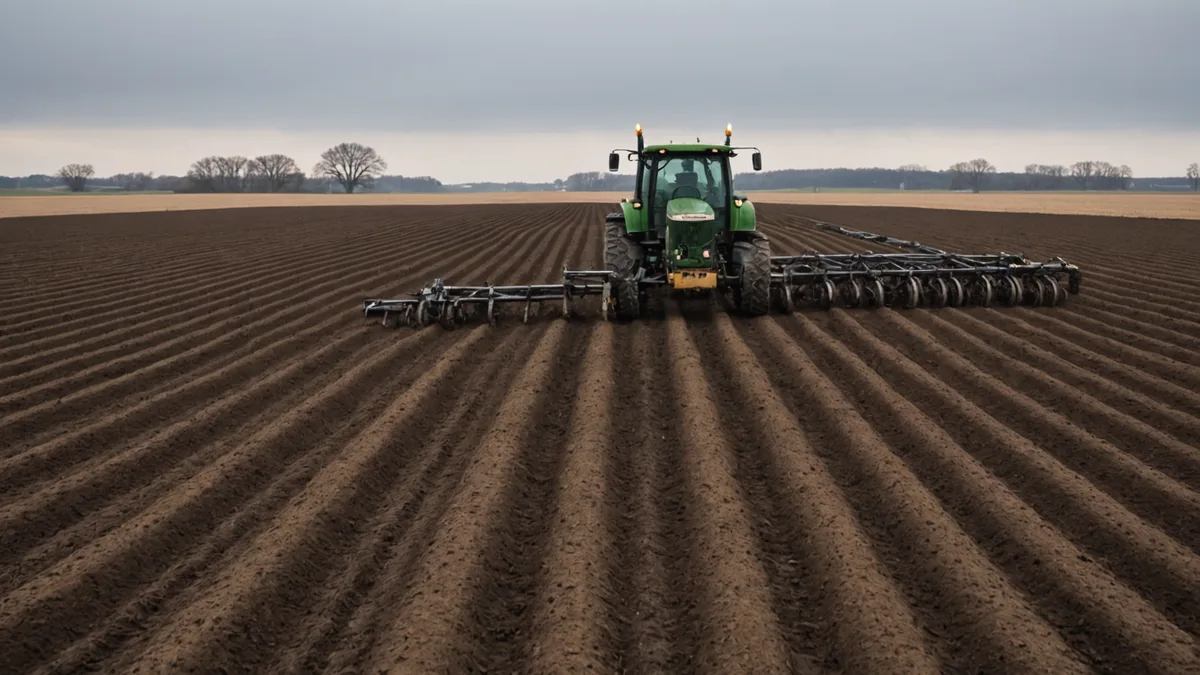
It is late February and planting is six to eight weeks out, depending on how the spring shapes up. For most Iowa operations, this is the last quiet window to review prescriptions before the calendar fills up with pre-plant field prep, equipment maintenance, and the unpredictable scheduling that comes with a compressed planting window. Prescription errors caught now cost you an hour of review time. The same errors caught during planting cost you a field pass, a service call, and in some cases a season of data you cannot get back.
This post walks through the checks worth doing before your prescription files go to the planter or applicator controller. Not all of these apply to every operation, but most of them apply to most operations, and the ones that catch problems are worth doing every year even when you are confident the prescriptions are right.
Check zone boundaries against last year’s as-applied maps
Zone boundaries in a variable-rate prescription define where rate transitions happen. If those boundaries have shifted — or if the as-applied data from last season shows that actual application transitions happened at different locations than the prescription specified — the 2026 prescription may be starting from a different soil supply baseline than you think.
The most common source of boundary drift is field editing between seasons: added tile lines, waterway establishment, newly tiled areas, or headland realignment from equipment changes. If a field had new tile installed in fall 2025, the zone boundaries that were correct in the 2024 prescription may now cross through altered drainage conditions that change how those zones respond to nitrogen or phosphorus. The prescription does not update itself.
Load both the current prescription and the 2025 as-applied shapefile into the same view in Soilynx and check that rate transitions in the as-applied match where you intended them. A common find: the planter or spreader switched rates 1-2 seconds early or late at zone boundaries — a controller response lag issue — which means the zone receiving the higher rate was actually the adjacent zone. Over several seasons this matters for your soil test expectations.
Verify rate ranges are within equipment specs
Variable-rate prescriptions define a rate range across zones, and that range needs to match what your equipment can actually execute. A prescription that asks a planter to go from 26,000 seeds/ac to 38,000 seeds/ac needs to stay within the speed-adjusted turn-up / turn-down range of your row unit drive system. If you have a hydraulic drive planter and the prescription is calling for a 46% rate change across a short zone transition, you may be asking the controller to execute a change the drive cannot physically deliver at your planting speed.
For fertilizer prescriptions, check that your minimum rate is above the spreader’s minimum controllable rate. Some spinner spreaders have effective minimums of 80-100 lbs/ac for certain products — a prescription with a minimum zone rate of 50 lbs/ac on those machines will not apply 50 lbs/ac in that zone, it will apply something closer to the mechanical minimum. That creates over-application in your lowest-need zones, which defeats the purpose of having a prescription at all.
The rate minimum issue comes up frequently with variable-rate starter fertilizer and with potash-light zones in a prescription built from high-variability soil test data. Worth confirming with your custom applicator or your own equipment specs before finalizing.
Confirm ISOXML file format compatibility
ISOXML is the ISO 11783 standard for prescription task data, and in theory it works across John Deere, CNH, AGCO, and Trimble-based displays. In practice, there are version differences and extension variations between manufacturers that cause silent failures — the file loads, the display accepts it, and then the controller applies a flat rate (usually the product default) because it could not parse the rate lookup table in the file correctly.
If your prescription was exported from Soilynx for a John Deere Operations Center workflow and the applicator is running a Trimble GFX-750 display with a Greenseeker or CAN-based rate controller, the ISOXML export path matters. Confirm the export format with the operator before the file moves from the platform to the cab. If there is any uncertainty, export a test prescription for a small single-zone field, run it on the applicator before the first full prescription field, and verify that the controller is reading rate changes where expected.
The same caution applies to prescription files going through a John Deere Operations Center sync: prescription maps uploaded to JDOC need to be in the JDOC-accepted format, and field boundary matching matters. A field that exists under a slightly different polygon in JDOC versus what was used to build the prescription can cause the prescription to apply to the wrong geographic extent, or fail to load entirely.
Check for unit-of-measure errors
Unit-of-measure errors are embarrassingly common in prescription workflows and they are not always obvious until you check manually. A nitrogen prescription built in lbs/ac of N that gets loaded into a controller expecting lbs/ac of product will apply at a fraction of the intended rate if the product is anhydrous (82% N), or a multiple of the intended rate if the product is UAN-28 (28% N). The prescription file may not carry product information — it carries a rate number, and the controller assigns meaning to that number based on how it is configured.
Before any prescription goes to an applicator operator, confirm: what unit is the prescription file in, what unit is the controller expecting, and what conversion factor if any does the operator need to apply. Write it on the file name if necessary. A file named “north-quarter-N-180lbs-N-per-ac.rx” is harder to misinterpret than “north-quarter-prescription.rx.”
The same class of error happens with seeding prescriptions exported in seeds per acre versus populations entered in 1,000-seeds-per-acre units, which some older display firmware expects. A 34,000 seeds/ac target that gets interpreted as 34 (in thousands) rather than 34,000 is not a subtle problem — but it does not always trigger an out-of-range warning on older displays.
Review the prescription totals against your pre-ordered product volume
Run a zone-area weighted average of the prescription rates across each field to get a total product estimate per field. Sum those across all fields receiving the same prescription type (all anhydrous fields, all DAP fields) and compare against what you have pre-ordered or have on contract.
This is not just an inventory check. It is a prescription sanity check. If your total nitrogen prescription for 800 acres of corn comes out to 180 lbs of N per acre average and you have been applying 160 lbs average for the past three years, you want to know why the average went up before planting, not after. Either the soil data is pointing to a genuinely deficient set of fields this year, or there is a rate calculation error somewhere in the prescription build.
We surface this comparison in Soilynx’s prescription summary view — total product estimated, field-level breakdown, year-over-year average rate change — because finding a 15% unexplained rate increase in February is a tractable problem and finding it during application is not.
When a prescription review is not the right fix
We are not saying that prescription review catches every problem. Some issues are upstream of the prescription file. If your management zones were built from EC data that is five or more years old, or if you have had significant changes in tillage system, irrigation, or cropping history since the zones were drawn, the prescription may be technically correct relative to the zone input data but built on zones that no longer reflect current field conditions. A pre-season prescription review will not surface that problem — only a re-zone exercise using current data will.
Similarly, if this is your first season using variable-rate application on a particular field, the first-season prescription is inherently operating with less calibration data than a prescription built on three or four seasons of as-applied and yield history. The review process still applies, but hold expectations accordingly — you are setting a baseline, not optimizing from one.
The review process described here is most valuable for operations that have been running VRT/VRA for two or more seasons and have built up a set of prescription files that need to be checked against updated soil data and field conditions each year. The goal is catching the class of errors — boundary drift, format mismatch, unit confusion, rate range mismatch — that are easy to introduce across a season of data updates and file management and are correspondingly easy to fix when caught before fieldwork begins.